How to View Twitter Replies Without Login (2026 Guide)
Learn how to view Twitter replies without login using free tools. Step-by-step guide to browsing public tweet replies anonymously.
Quick Answer
Yes, you can view Twitter replies without login using tools like TwitterWebViewer. However, only a limited set of replies (typically the top 10 popular replies) are accessible without logging in due to Twitter platform restrictions.
Introduction
Twitter, now known as X, increasingly requires users to log in simply to read replies under a tweet. For users who only want to review public discussions or check popular replies, this requirement is often unnecessary.
This guide explains how to view Twitter replies without login in 2026, including what is accessible, what remains restricted, and when opening Twitter itself is still required.
Can You View Twitter Replies Without Login?
Yes, but only to a limited extent. Without logging in, it is still possible to view public tweets and a restricted set of replies. These replies are typically the most engaged or most liked responses.
However, several limitations apply:
- Not all replies can be loaded
- Long reply threads cannot be expanded
- Replies sorted by "Latest" are unavailable
These restrictions are enforced by Twitter, not by external viewing tools.
A Practical Way to View Twitter Replies Without Login
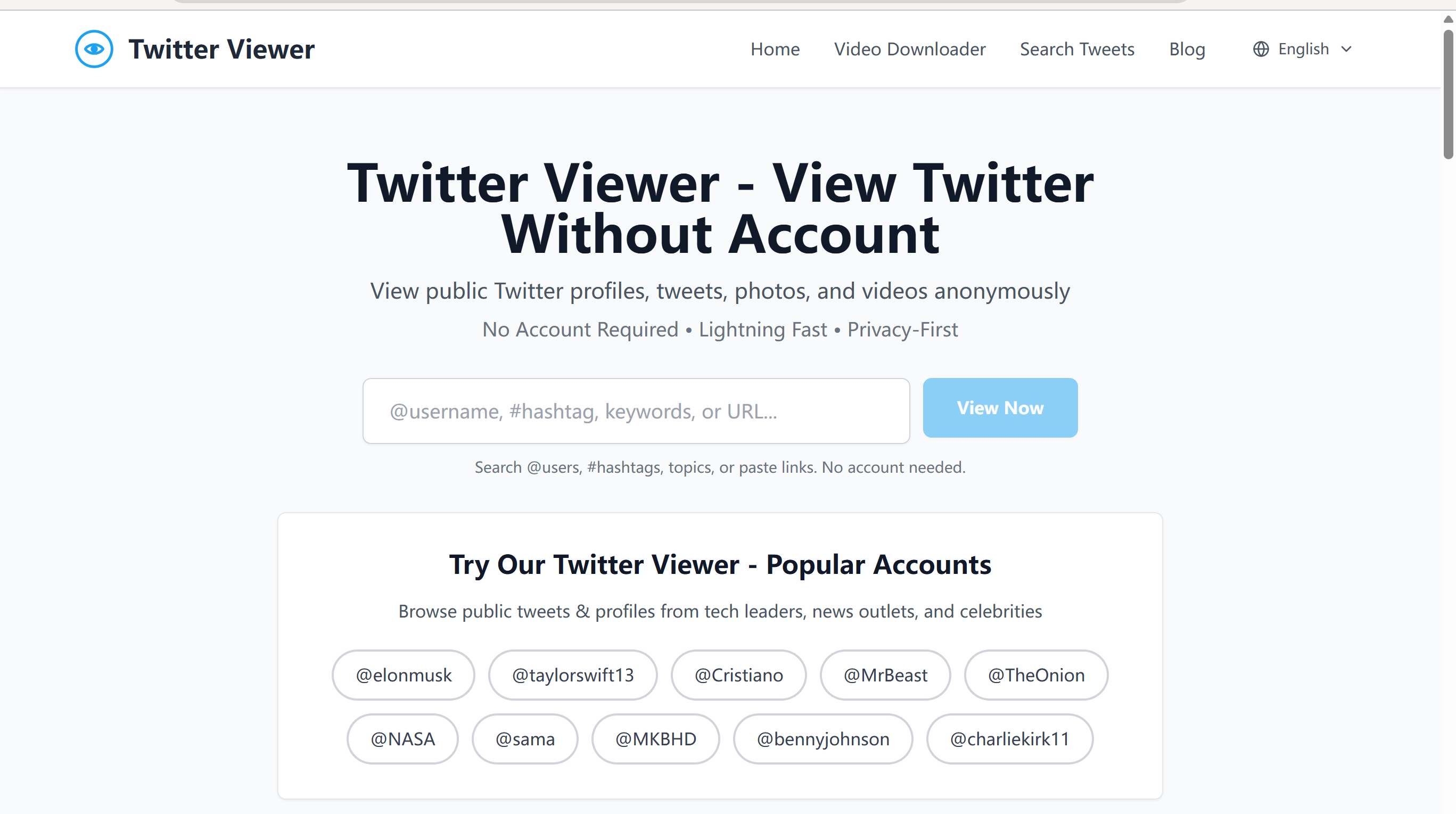
For users who want to browse Twitter content anonymously, using a Twitter viewer is the most practical approach. Tools such as TwitterWebViewer allow users to:
- View public tweets without an account
- Access up to the top 10 popular replies
- Avoid login prompts and account creation
This approach is intended for reading public content rather than interaction.
Step by Step: How to View Twitter Replies Without Login

1. Copy the Tweet Link or Username Start by copying either a public tweet link or a public Twitter or X username.
2. Open the Tweet Using TwitterWebViewer Paste the link into TwitterWebViewer. The tweet will load directly without requiring a login.
3. Review the Available Replies Below the tweet, a limited set of replies will be displayed, typically including the most liked and engaged responses.
Why Are Only the Top Replies Visible?
Twitter restricts access to full reply threads for users who are not logged in. Anonymous viewing tools can only display content that is publicly accessible. To read all replies or expand nested conversations, it is necessary to open the tweet on Twitter or X directly.
When Viewing Replies Without Login Is Sufficient
Viewing replies without login is suitable for:
- Checking general public reactions to a tweet
- Reviewing the most visible or influential replies
- Conducting basic research without an account
- Browsing Twitter content anonymously
In many cases, the most engaged replies provide sufficient context.
Final Thoughts
Viewing Twitter replies without login is possible but subject to platform limitations. Anonymous Twitter viewers provide a practical way to access popular replies and public discussions without creating an account. While this method does not replace full access, it is sufficient for many research and browsing scenarios.
👉 Try TwitterWebViewer now to view Twitter replies without login.
Frequently Asked Questions
Can I view all Twitter replies without login?▼
No. Only a limited set of replies (typically the most popular ones) are accessible without login due to Twitter platform restrictions.
Why can I only see some replies?▼
Twitter restricts access to full reply threads for anonymous users. External tools can only display publicly accessible content.
Is it free to view Twitter replies without login?▼
Yes. Tools like TwitterWebViewer are free to use and require no account or payment.
Ready to View Twitter Without Account?
Start browsing Twitter profiles, tweets, and videos anonymously - no login required
Related Articles
How to View Twitter Without Account (2026 Guide)
Learn how to browse Twitter profiles, tweets, and videos without creating an account. Complete guide with 5 easy methods for anonymous Twitter viewing.
How to Search Tweets by Keyword Without Login (Free Twitter Search, 2026 Guide)
Learn how to search tweets by keyword without login using free Twitter search tools. Step-by-step guide to browse public tweets anonymously.
How to View Sensitive Content on Twitter: Complete Settings Guide (2026)
Learn how to view sensitive content on Twitter (X) with step-by-step settings for web, iPhone, and Android. Disable the sensitive content warning in seconds.